Please keep in mind that this website is supported by affiliate links to products we recommend. When you buy something, we recommend, we may get an affiliate commission — but it never affects your price or what we pick. And we would NEVER recommend something that we do not trust or believe in.
Hi All,
Filing your taxes online can be convenient and fast, but it also comes with some risks. Cybercriminals will try to steal your personal and financial information or use phishing scams to trick you into paying fake tax bills. To avoid these threats and protect your data, follow these tips for secure online tax filing.
Use a Reputable Tax Software
One of the safest options is to file your taxes directly through the IRS website at IRS.gov. The IRS website is a secure site and offers a variety of online services, including the ability to file your taxes electronically. Another reputable option is to use tax preparation software such as TurboTax, H&R Block Deluxe, or TaxAct Deluxe. These software programs have built-in security features and are updated regularly to comply with the latest tax laws and regulations. However, be careful not to fall for fake or fraudulent tax software that may look similar to the real ones. Always check the URL and the security certificate of the website before entering any information.
Create Strong and Unique Passwords
According to the IRS, identity theft and other scams tend to succeed because people often use the same login passwords for all their online accounts. Instead, create strong, unique passwords for each of your online accounts that include:
- A combination of upper- and lower-case letters
- Numbers and special characters
- At least 10 characters long
Be sure to change your passwords often and never share them with anyone. It may be helpful to use software or apps like Password Safe or Keeper Password Manager that can automatically generate and store strong passwords for you.
Protect Your Computer and Network
Restrict unauthorized access to your computer by password-protecting sensitive data and encrypting important files. For example, use PDF encryption software to secure PDF copies of your tax returns. Encrypting these files protects your data if someone steals your computer or otherwise gains unauthorized access.
Other proactive steps include:
- Keep confidential files in a folder that cannot be shared.
- Install antivirus and firewall software and update them regularly.
- Avoid opening suspicious emails or attachments that may contain malware.
- Use secure networks and websites when sending personal and financial information over the Internet.
- Be aware of the risks of using public Wi-Fi hotspots, which may expose your data to hackers.
Beware of Phone and Phishing Scams
In an attempt to steal your money or personal information, tax scammers may call and demand immediate payment over the phone or send you bogus emails or notices asking you to update your tax account. Do not respond to these requests—the IRS will not call you and insist on immediate payment, nor will it send you electronic correspondences. If you do get an email claiming to be from the IRS, don’t click on any links or attachments, which may contain malicious viruses that can contaminate your computer. Generally, the IRS will never send you an email. If you’re unsure whether a notice is legitimately from the IRS, call the agency to find out.
Monitor Your Tax Account and Credit Report
After you file your taxes online, check your tax account on the IRS website to make sure everything is correct and there are no signs of fraudulent activity. You can also sign up for an Identity Protection PIN (IP PIN), which is a six-digit number that the IRS assigns to eligible taxpayers to prevent someone else from filing a tax return using their Social Security number. Additionally, you should review your credit report at least once a year to spot any errors or unauthorized accounts. You can get a free copy of your credit report from each of the three major credit bureaus (Equifax, Experian, and TransUnion) every 12 months at annualcreditreport.com.
By following these tips, you can keep your information safe while doing your taxes online and enjoy the benefits of a faster and easier tax filing process.
Respectfully,
Mario
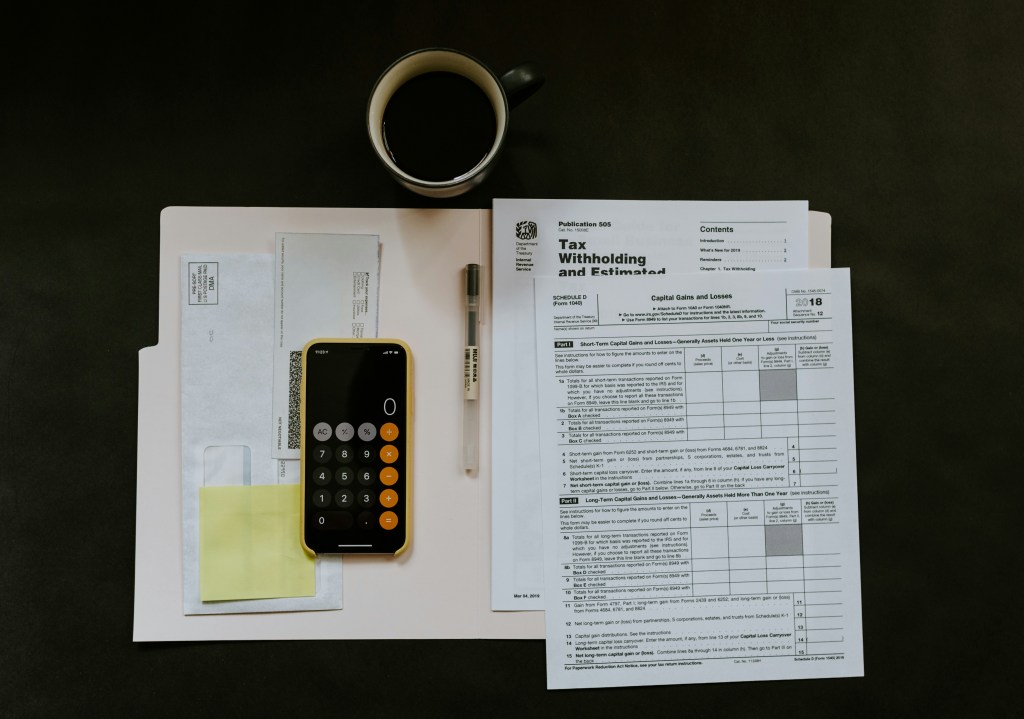
Photo by Kelly Sikkema on Unsplash



 Live to Thrive
Leave a comment